
Wi-Fi Calling and VoIP: When Your Calls Travel the Internet Instead of the Tower

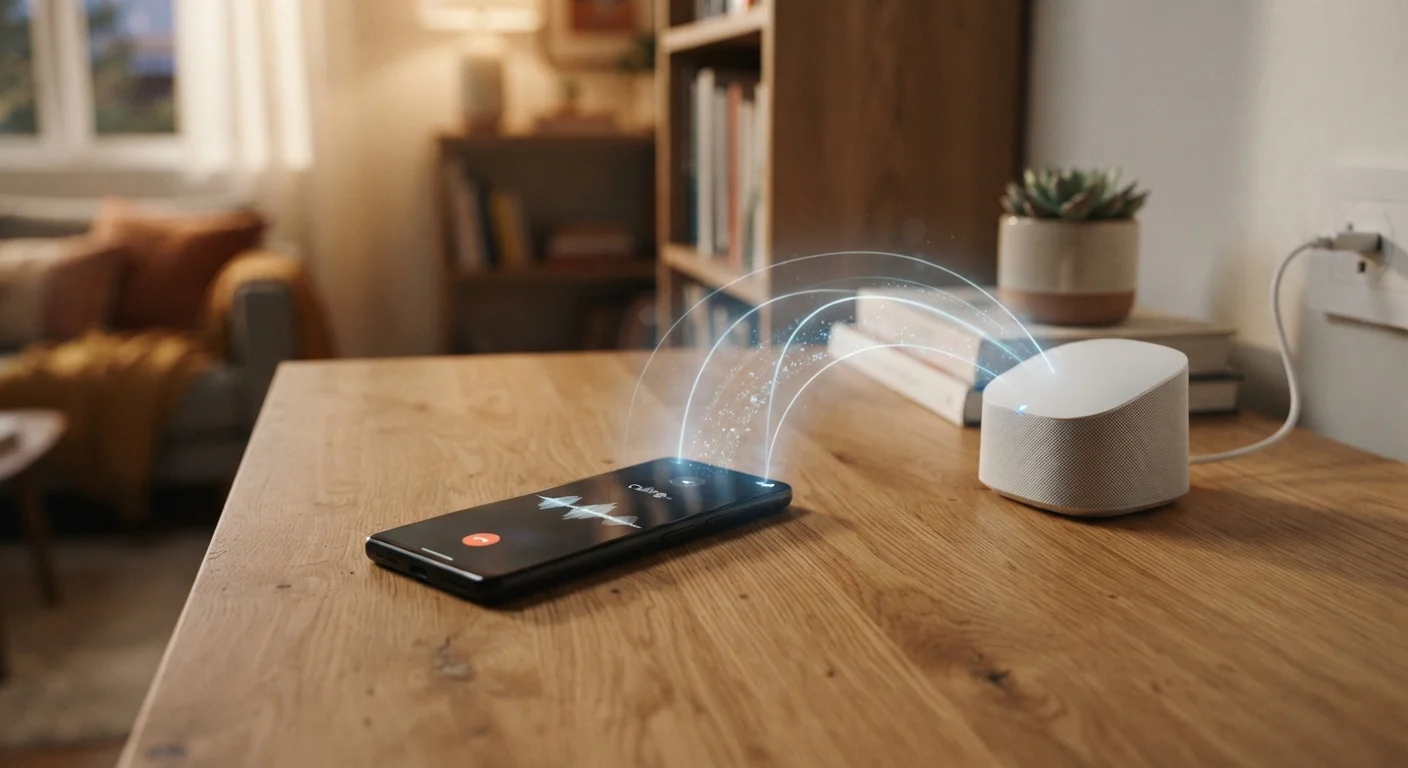
Photo: TheSearchHound.com | One Stop Answer To All Your Questions editorial
Key Takeaways
- Wi-Fi calling routes voice data over the internet instead of a cellular tower signal.
- It can significantly improve call quality in areas with poor cellular coverage.
- Both your phone and your carrier must support Wi-Fi calling for the feature to work.
- Emergency calls via Wi-Fi calling may not automatically transmit your location to dispatchers.
- VoIP apps operate independently of your carrier and work on any internet connection.
- Wi-Fi calling generally counts against your plan's minutes unless your plan specifies otherwise.
How Your Voice Becomes Data
When you make a standard cellular call, your voice travels as an analog or digital radio signal between your phone and the nearest cell tower. Wi-Fi calling works differently: your voice is converted into small packets of data - the same basic unit that carries a webpage or a streaming video - and transmitted over an internet connection to reach the other party.
This process is governed by Voice over Internet Protocol (VoIP), a broad technical framework that has been the backbone of internet-based calling for decades. Carrier Wi-Fi calling is a consumer-friendly implementation of VoIP that integrates directly with your phone number and plan, so the experience feels nearly identical to a regular call.
The key distinction from third-party VoIP apps is integration. When a carrier enables Wi-Fi calling, your existing phone number works without any configuration - no new account, no separate app. Third-party VoIP services, by contrast, often assign their own number or require both parties to use the same platform. For a deeper look at how your home network fits into all of this, the Home Internet hub covers broadband fundamentals that underpin these connections.
Where Wi-Fi Calling Actually Helps
The most immediate benefit is coverage. Cellular signals struggle to penetrate thick concrete walls, travel to remote rural addresses, or reach the lower floors of large buildings. A strong broadband connection can fill those gaps.
~72%
U.S. adults with Wi-Fi calling capable devices
Industry estimates suggest the majority of smartphones currently in use in the United States are technically capable of Wi-Fi calling, though activation rates are lower.
1-5 Mbps
Typical bandwidth needed for a single VoIP call
Most VoIP and Wi-Fi calling implementations require only a fraction of a standard broadband connection's capacity for clear voice audio.
30%+
U.S. homes with reported indoor cellular dead zones
Surveys of mobile users consistently find a substantial share reporting locations inside their own home where cellular signal is unreliable or absent.
Wi-Fi calling is also relevant when traveling. Connecting to a hotel or airport Wi-Fi network may let you make calls using your home carrier number without triggering international roaming rates - though this depends on your carrier's policies. Before you rely on it abroad, it's worth reviewing the questions to ask your carrier before traveling internationally.
One important limitation: emergency calls made over Wi-Fi may not automatically deliver your location to 911 dispatchers. Unlike cellular calls, which use tower triangulation and GPS handshaking, Wi-Fi calls rely on a registered address you may need to set manually in your carrier account. This is a meaningful safety consideration that warrants attention before you depend on Wi-Fi calling as your primary call method.
What You Need - and What to Watch For
Three things must align for Wi-Fi calling to work: your phone must support it, your carrier must have it enabled for your plan, and you need a functional Wi-Fi or broadband connection. Most flagship and mid-range smartphones released in the past several years include the feature, but activation varies by carrier and sometimes by plan tier.
Call quality over Wi-Fi depends heavily on your internet connection's stability and speed. A congested home network - with multiple devices streaming video simultaneously - can produce choppy audio. If your home's Wi-Fi coverage is uneven, calls in weak-signal rooms may suffer. The comparison of whole-home Wi-Fi systems versus traditional routers can help you think through whether your current setup supports reliable voice traffic throughout your home.
It's also worth understanding how Wi-Fi calling fits into your wireless plan's structure - particularly if you're on a shared or family account. Some plans treat Wi-Fi calls identically to cellular calls for minute counting, while others handle them differently. The details of how family plans structure shared lines are worth understanding if multiple people on your account rely on the feature.
Register Your Address for 911 on Wi-Fi Calls
Frequently Asked Questions
The content on this site is provided for informational purposes only and should not be considered a substitute for professional advice. While we strive to provide accurate and up-to-date information, we make no guarantees regarding its completeness or accuracy. Always consult a qualified professional for advice specific to your circumstances before making any decisions.