
Smart Home Tech

Building a Smart Home on a Budget Without Locking Yourself Into One Ecosystem

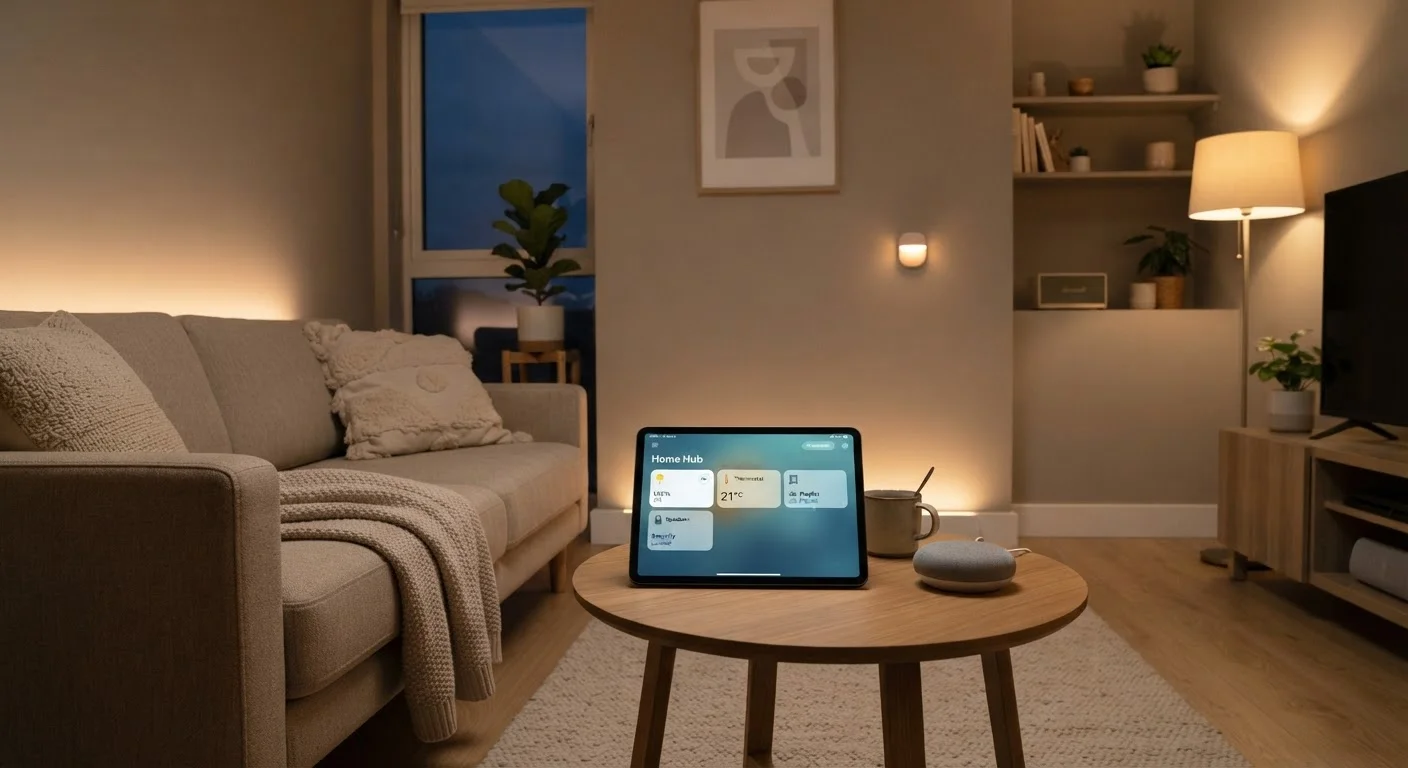
Building a Smart Home on a Budget Without Locking Yourself Into One Ecosystem

Photo: TheSearchHound.com | One Stop Answer To All Your Questions editorial

Spending less doesn't mean sacrificing flexibility. Learn how to choose affordable smart home devices while keeping your options open across platforms.

Key Takeaways

  • Choosing devices that support open standards like Matter helps avoid being locked into one brand's ecosystem.
  • Starting with one or two high-impact devices is more cost-effective than buying a full suite upfront.
  • Voice assistant compatibility and local control options are two critical factors to check before purchasing.
  • Budget-friendly smart home setups can be expanded gradually without replacing earlier purchases.

Why Ecosystem Lock-In Is the Hidden Cost of Smart Home Gadgets

The sticker price is only part of what you pay when building a smart home. The less obvious cost is ecosystem lock-in — the situation where your devices only work well within one company's app, hub, or subscription service. Once you've invested in a dozen gadgets from a single brand, switching platforms later can mean replacing everything from scratch.

This matters especially on a budget. Affordable devices are plentiful, but not all of them play nicely with others. Some rely on proprietary communication protocols or require a brand-specific hub that becomes a single point of failure. If the company discontinues support — which happens more often than most buyers expect — your devices can be left stranded.

Understanding this dynamic before you buy is the most important step toward a flexible, cost-conscious setup. See our overview of the Matter standard for a deeper look at how the industry is trying to address this problem.

Best Practices for Building a Flexible, Affordable Smart Home

The following practices are designed to keep your options open and your spending intentional — whether you're outfitting your first apartment or gradually upgrading an existing home.

1

Prioritize devices that support open interoperability standards such as Matter or Zigbee.

Open standards allow devices from different manufacturers to communicate without requiring a single brand's hub or app. This gives you genuine flexibility to mix and match as your budget allows, and protects your investment if one brand exits the market.
Example: A smart plug that supports the Matter standard can be controlled through an Amazon Alexa, Apple Home, or Google Home app — you're not forced to use the manufacturer's own application.
2

Check for local control capability before purchasing any device.

Devices that rely exclusively on cloud servers to function can stop working if the company shuts down its servers or ends support for a product line. Local control — where the device responds to commands on your home network without hitting an external server — is more reliable and more private.
Example: Some Zigbee-based light bulbs can be controlled entirely through a local hub like Home Assistant, meaning they still function during internet outages or if the original app is discontinued.
3

Map out your wireless protocol before adding devices, not after.

Wi-Fi, Zigbee, and Z-Wave devices each have different range, reliability, and hub requirements. Mixing protocols without a plan leads to a fragmented setup that's harder and more expensive to manage. Understanding the trade-offs upfront helps you build a cohesive system from the start.
Example: A household running mostly Zigbee devices can consolidate control through a single inexpensive hub, rather than managing multiple manufacturer apps for different Wi-Fi products. See our wireless protocol comparison for guidance on which approach fits different home setups.
4

Evaluate voice assistant compatibility as a feature, not an afterthought.

If you plan to use voice commands, confirming compatibility before purchase prevents frustrating workarounds later. Not every budget device works smoothly with every voice platform, and some require additional steps or third-party integrations that add friction.
Example: A budget smart switch that natively supports both Amazon Alexa and Google Assistant saves you from managing a separate automation layer just to control it by voice.
5

Buy incrementally and avoid bundle deals that lock you into one brand.

Starter kit bundles can seem like good value, but they often create a closed ecosystem by design. Buying devices individually — even if slightly more expensive per unit — gives you more control over compatibility and lets you adjust your choices as you learn what works in your specific home.
Example: Purchasing smart bulbs one room at a time lets you test a brand's app and reliability before committing to it throughout the house.

Where to Start Without Overspending

Resist the urge to automate everything at once. A measured approach not only saves money upfront — it gives you time to learn what you actually use before committing to more devices. Smart lighting and a single voice-enabled hub are common starting points because they're inexpensive, widely compatible, and immediately useful.

high Look up whether any device you're considering supports the Matter standard before adding it to your cart.
medium Download the manufacturer's app and read recent reviews specifically mentioning connectivity or cloud outage issues.
high Set a per-category spending cap — for example, a ceiling for lighting, one for security, one for climate — before browsing devices.
medium Check whether your current Wi-Fi router supports 2.4 GHz, since most budget smart home devices require it rather than 5 GHz.

Once you have a baseline setup running smoothly, expanding becomes much easier. You'll know which protocol your home runs on, which apps you prefer, and where automation genuinely saves time. Our article on automation routines that save real time and energy can help you prioritize high-value use cases before you buy additional devices.

Security is another practical consideration as your setup grows. Isolating your smart devices on a separate network segment is a straightforward step that reduces risk — our guide on setting up a guest network for smart home devices walks through how this works.

Smart Home Devices and Privacy

Budget devices sometimes collect more data than premium alternatives, as some manufacturers monetize usage data to offset lower hardware margins. Before setting up any connected device, review its privacy policy to understand what data is transmitted and stored. Our article on the privacy trade-offs of always-on smart home devices covers this topic in detail.

Technology Editorial Team

TheSearchHound.com | One Stop Answer To All Your Questions

Technology Editorial Team is the collective byline for our editorial team and contributor network. Articles published under this byline or an editorial pen name are researched, written, and reviewed according to our editorial standards for clarity, consistency, and independence before publication.

Phones & PlansHome InternetSmart Home Tech
View author profile

The content on this site is provided for informational purposes only and should not be considered a substitute for professional advice. While we strive to provide accurate and up-to-date information, we make no guarantees regarding its completeness or accuracy. Always consult a qualified professional for advice specific to your circumstances before making any decisions.