
Your First Smart Home: What to Set Up, and in What Order

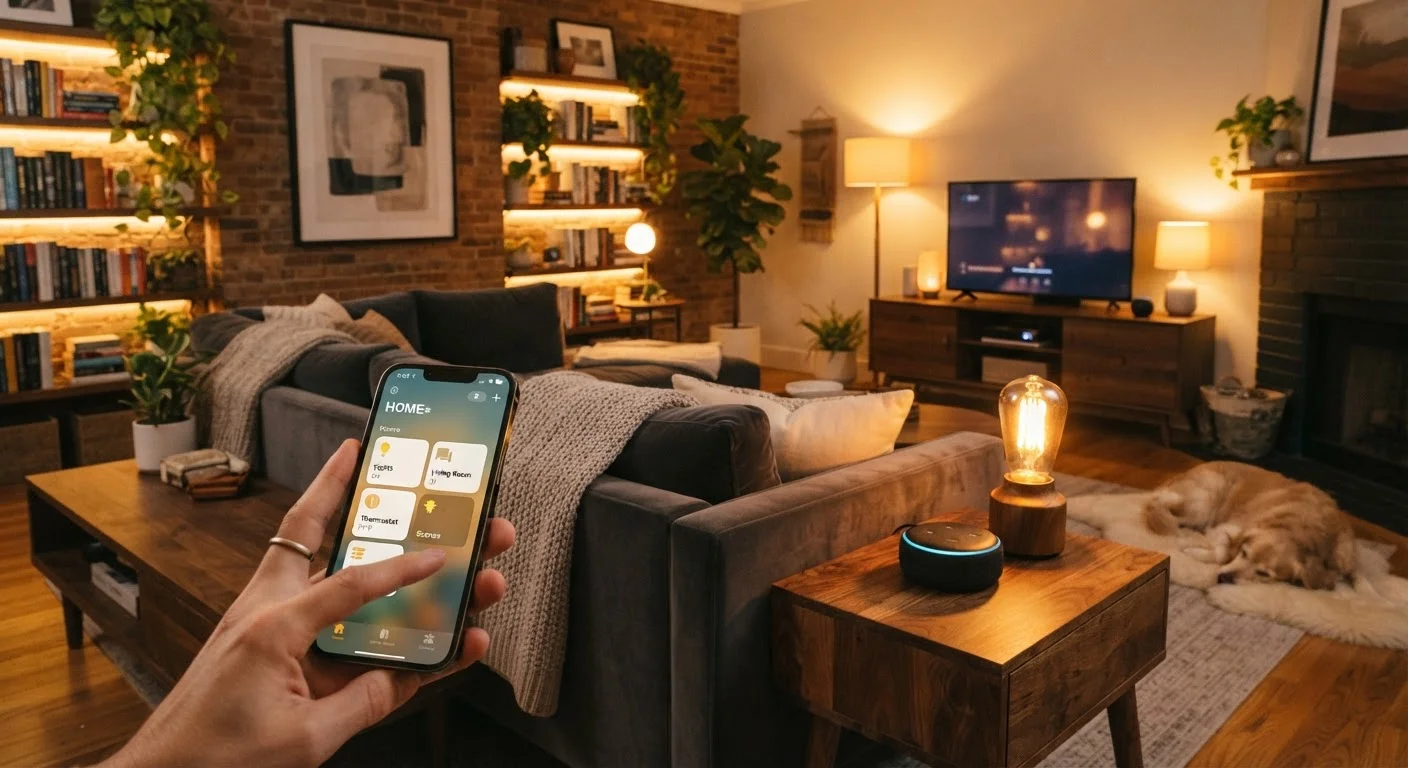
Photo: TheSearchHound.com | One Stop Answer To All Your Questions editorial
Key Takeaways
- A reliable Wi-Fi network is the single most important foundation for any smart home setup.
- Smart lighting is the lowest-friction entry point for most beginners - it's affordable and reversible.
- Choosing one ecosystem early (Google Home, Amazon Alexa, Apple HomeKit) prevents compatibility headaches later.
- Security devices like cameras and smart locks should be added only after your network is properly secured.
- Automations - schedules, triggers, routines - are what turn a collection of devices into a true smart home.
- Adding devices gradually lets you troubleshoot problems before they compound across a larger system.
Why the Order You Set Things Up Matters
Most smart home frustration comes from skipping steps. Enthusiastic beginners buy a basket of gadgets, hit compatibility walls, and end up with three separate apps controlling devices that won't talk to each other. Setting things up in a deliberate order prevents exactly that.
Think of it like maintaining a home: the systems underneath - plumbing, wiring, structure - have to work before the finishing touches matter. A smart home has a similar hierarchy. Your network is the foundation. Devices are the fixtures. Automations are what make the whole thing useful.
Step 1: Get Your Network Ready
Before buying a single smart device, audit your Wi-Fi. Most smart home hardware uses your home network to receive commands and report status. A weak or overloaded router causes devices to drop offline, respond slowly, or fail to trigger automations at the right moment.
In a home larger than roughly 1,500 square feet, a mesh Wi-Fi system - which uses multiple access points to blanket the space evenly - is worth considering over a single router. Check that your network operates on both 2.4 GHz and 5 GHz bands; many smart devices specifically require 2.4 GHz.
Security matters from day one. Isolating your smart devices from your main computers and phones reduces the risk that a compromised gadget can reach sensitive data. See our guide on setting up a guest network for smart home devices for a walkthrough of how that process works.
Name Your Devices Consistently from the Start
Step 2: Start with Lighting
Smart lighting is the right first device category for nearly every beginner. Smart bulbs screw into existing sockets, require no electrical work, and can be returned or resold if you change course. They immediately demonstrate what a smart home feels like - lights that dim on a schedule, turn off when you leave, or shift to a warmer tone in the evening.
When shopping, confirm the bulbs you choose are compatible with the ecosystem you plan to use. Picking an ecosystem early is important: Amazon Alexa, Google Home, and Apple HomeKit are the three dominant platforms in the U.S., and each has tradeoffs in device compatibility and privacy approach. Committing to one now prevents a fragmented setup later.
Smart plugs are a close second choice - they make any standard lamp or appliance schedulable and remotely controllable without replacing the device itself.
Step 3: Add a Voice Assistant or Smart Hub
Once you have a few devices running, a central control point - a voice assistant speaker or a smart display - makes managing them significantly easier. Rather than opening multiple apps, you can speak commands or tap a single interface.
Voice assistants handle more than device control. They can set timers, answer general questions, read out schedules, and serve as the trigger point for multi-device routines ("Good morning" turns on lights, raises a thermostat, and reads the day's weather). Our practical guide to voice assistants covers where these tools genuinely deliver and where they fall short.
If you're deciding between a speaker and a screen-based display for a kitchen or common area, the smart speaker vs. smart display comparison breaks down the practical differences.
Step 4: Expand with Security and Sensors
With lighting, a hub, and a secured network in place, security devices are a natural next layer. Video doorbells, indoor cameras, motion sensors, and smart locks all benefit from being on a stable, properly segmented network - which is why they come after the foundation is solid.
Smart locks in particular deserve careful consideration. Verify local regulations around lock changes if you rent, and understand that any lock connected to the internet should have firmware updated regularly by the manufacturer. A device that stops receiving security patches becomes a liability rather than an asset.
Motion sensors and contact sensors (for doors and windows) are low-cost additions that enable useful automations: lights that turn on when someone enters a room, alerts when a door is left open, or routines that trigger when you arrive home.
Smart Locks Require Extra Due Diligence
Keeping Your Smart Home from Getting Out of Hand
The most common mistake after the initial setup phase is adding devices faster than you can learn them. Each new gadget needs to be configured, named consistently, grouped logically, and integrated into your existing automations. Doing that for one or two devices at a time keeps the system manageable.
Document your setup - even a simple note listing device names, which rooms they're in, and which app controls them saves considerable time when something goes wrong. Consistent naming conventions ("Living Room Lamp" rather than "Lamp 1") make voice commands and app navigation far less confusing.
If cost is a factor in how quickly you expand, building a smart home on a budget without locking into one ecosystem explores how to grow affordably while keeping your options open across platforms.
The goal isn't to automate everything - it's to automate the things that genuinely reduce friction in your day. Start small, build deliberately, and add complexity only when the foundation beneath it is solid.
Frequently Asked Questions
The content on this site is provided for informational purposes only and should not be considered a substitute for professional advice. While we strive to provide accurate and up-to-date information, we make no guarantees regarding its completeness or accuracy. Always consult a qualified professional for advice specific to your circumstances before making any decisions.