
Practical Ways to Extend Wi-Fi Coverage in a Large or Oddly Shaped Home

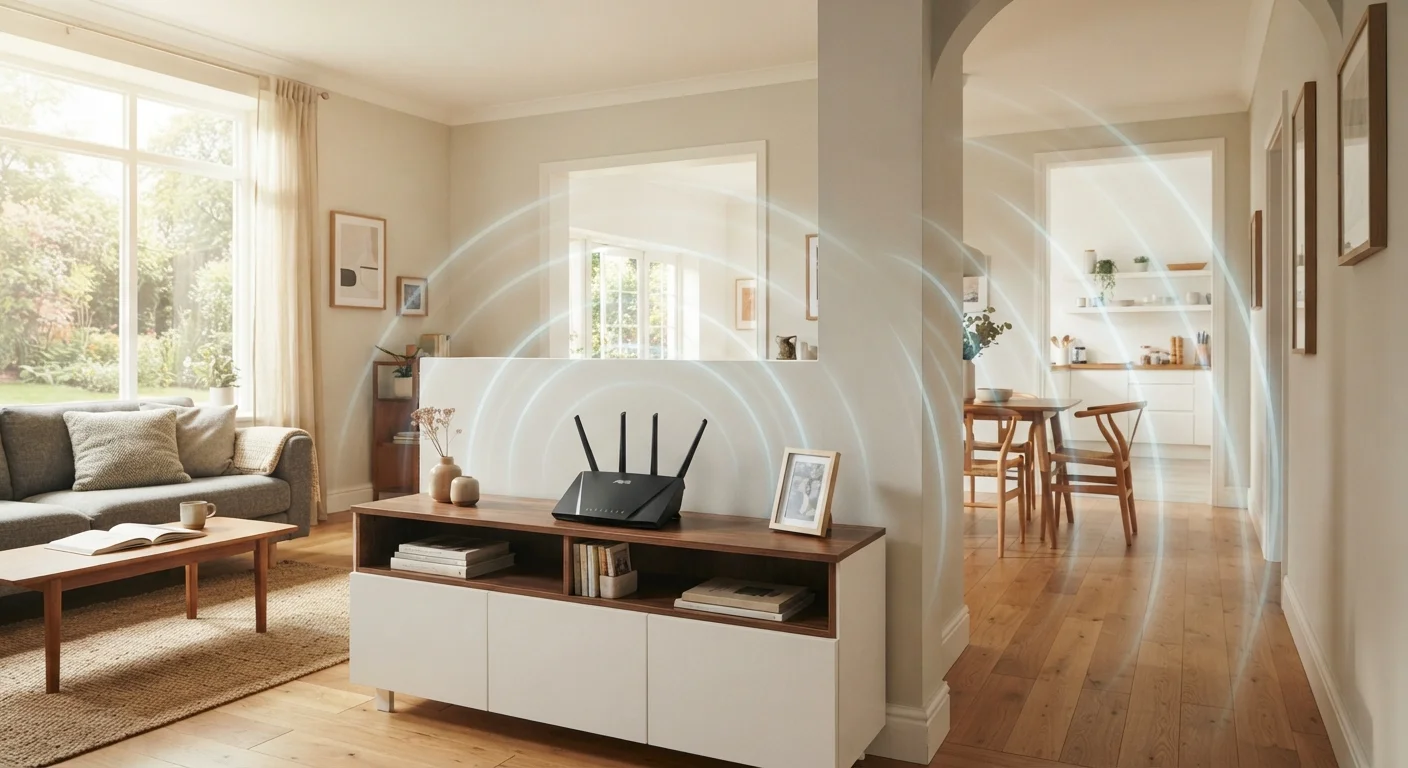
Photo: TheSearchHound.com | One Stop Answer To All Your Questions editorial
Key Takeaways
- Router placement has a significant impact on coverage - central, elevated positions generally perform better.
- Mesh Wi-Fi systems are often more effective than range extenders for large or multi-story homes.
- Physical obstacles like thick walls, appliances, and floors can block or degrade Wi-Fi signals.
- Wired backhaul connections between mesh nodes deliver more reliable performance than wireless backhaul.
- A Wi-Fi analyzer app can help you identify dead zones and interference before buying new equipment.
Why Coverage Gaps Happen
Wi-Fi signals travel outward from a router in roughly spherical patterns, losing strength as they pass through walls, floors, furniture, and appliances. In a standard rectangular home, a centrally placed router can reach most rooms with reasonable signal strength. But homes with long hallways, multiple floors, detached garages, thick concrete or brick walls, or L-shaped layouts create natural obstacles that a single router struggles to overcome.
Interference compounds the problem. Neighboring networks, microwave ovens, and even certain building materials - like metal studs or foil-backed insulation - absorb or reflect radio waves. Before buying any new hardware, it pays to understand where your signal actually breaks down. Free Wi-Fi analyzer apps (available for smartphones) can map signal strength room by room, giving you a baseline to work from. See also: common factors that quietly degrade home Wi-Fi.
Proven Practices for Better Whole-Home Coverage
The approaches below address coverage systematically - from no-cost adjustments to hardware upgrades - so you can start with what costs nothing and scale up only if needed.
Reposition your router to the most central, elevated location possible.
Use a wired Ethernet backhaul when deploying a mesh system.
Separate your 2.4 GHz and 5 GHz bands or enable band steering thoughtfully.
Run Ethernet cable to high-demand rooms when possible.
Place mesh nodes or access points strategically - not at the edge of the dead zone.
Choosing the Right Extension Method
Once you know where your dead zones are, matching the right solution to your home's layout matters more than simply buying the most expensive option.
~30%
Bandwidth loss typical with range extenders
Repeaters that operate on a single radio must receive and retransmit data on the same channel, commonly cutting usable bandwidth by roughly half in practice, according to general networking literature.
2x-4x
Coverage area added by a second mesh node
A well-placed additional mesh node in a large home can approximately double or more the effective covered area, depending on home layout and building materials.
Range extenders (also called repeaters or boosters) are inexpensive and easy to set up, but they create a separate network and typically cut bandwidth in half because they receive and retransmit on the same channel. They can work well for a single isolated room but rarely solve whole-home problems efficiently.
Mesh Wi-Fi systems use multiple nodes that communicate with each other and your devices under one unified network name. Devices roam seamlessly between nodes as you move through your home. For large or oddly shaped homes, this is generally the more capable approach - though it comes at a higher upfront cost. For a detailed comparison, see whole-home Wi-Fi systems vs. traditional routers.
Powerline adapters use your home's electrical wiring to carry a network signal to a distant room, where a second adapter connects to a router or switch. Performance varies significantly depending on the age and wiring quality of your home, but powerline can be a practical middle ground when running Ethernet cable isn't feasible.
If you have smart home devices alongside your coverage needs, the wireless protocol each device uses also factors into your overall network plan. Wi-Fi, Zigbee, and Z-Wave each handle device communication differently - worth understanding before expanding your setup.
What to Avoid
A few common misconceptions can lead to wasted money or continued frustration. Stacking multiple range extenders, for example, compounds the bandwidth loss problem rather than solving it. Similarly, simply buying a more powerful router does not automatically overcome structural obstacles - signal strength at the source matters less than whether the signal can physically reach a room.
It's also worth questioning assumptions about what's actually causing your problem. many popular beliefs about Wi-Fi don't hold up to scrutiny, and acting on them can lead to unnecessary upgrades. Diagnose first, then spend.
Your Internet Plan Speed Also Matters
The content on this site is provided for informational purposes only and should not be considered a substitute for professional advice. While we strive to provide accurate and up-to-date information, we make no guarantees regarding its completeness or accuracy. Always consult a qualified professional for advice specific to your circumstances before making any decisions.