
Smart Home Security Audit: What to Check Before You Feel Protected

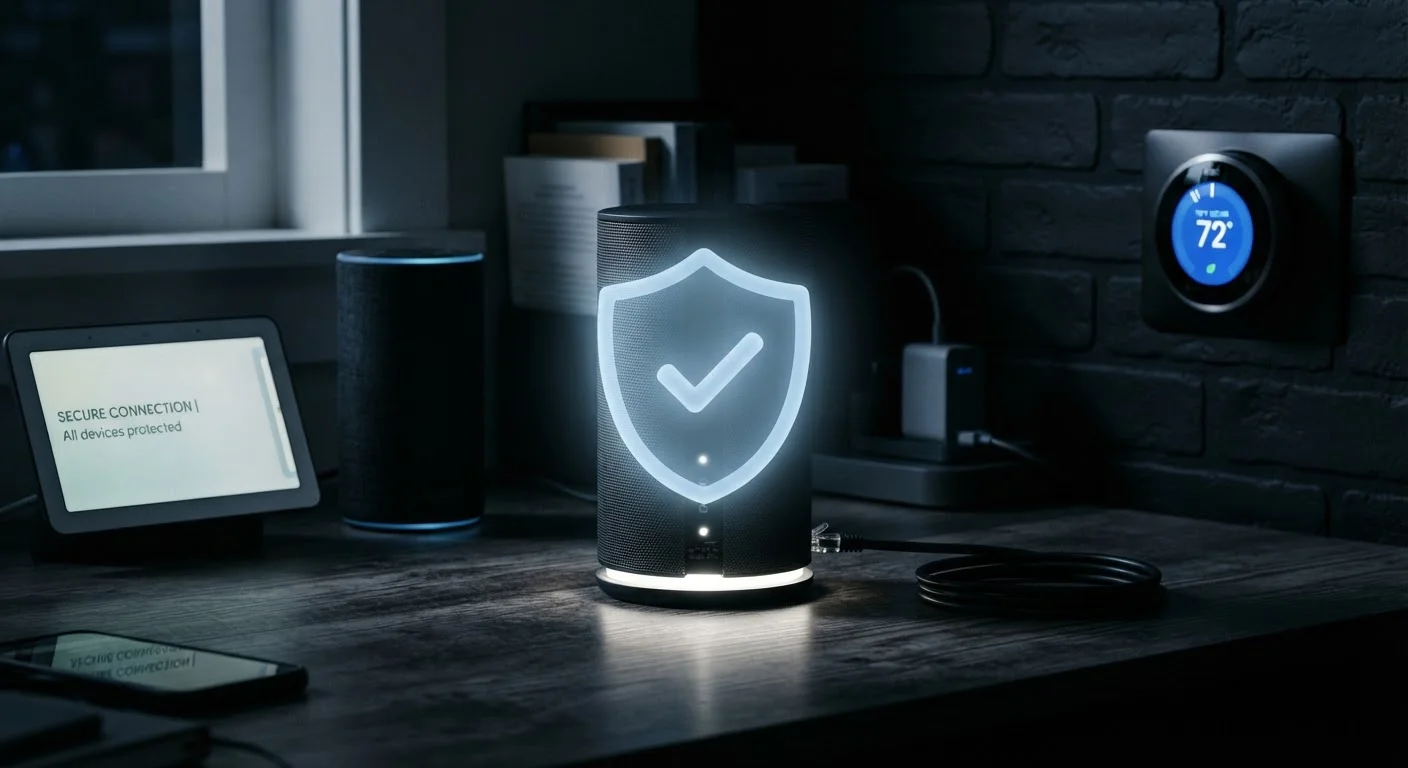
Photo: TheSearchHound.com | One Stop Answer To All Your Questions editorial
Key Takeaways
- Default router and device passwords are one of the most common and avoidable security weaknesses in connected homes.
- Keeping firmware updated closes known vulnerabilities that attackers actively exploit.
- Isolating smart devices on a separate network limits damage if any one device is compromised.
- Two-factor authentication adds a critical layer of protection for smart home app accounts.
- Regularly reviewing connected devices helps you spot unauthorized or forgotten hardware.
Why a Security Audit Matters Before You Feel Protected
Adding smart devices to your home - thermostats, cameras, locks, speakers - creates real convenience. It also expands the number of entry points on your home network. Feeling protected and actually being protected are two different things. Many households run connected devices with factory settings, outdated software, and no network segmentation, creating vulnerabilities that are straightforward for attackers to exploit.
This checklist walks through the core areas every smart home owner should review: your router configuration, device credentials, firmware status, account security, and network structure. You don't need to be a network engineer to work through it - you need about 30 to 60 minutes and access to your router's admin panel and device apps.
For a deeper look at what data your devices are collecting along the way, see the privacy trade-offs of always-on smart home devices.
Router Admin Panel
Access your router's settings to check firmware, encryption type, remote access, and connected devices.
Password Manager
Generate and securely store unique, strong passwords for your router and each smart device account.
Smart Device Companion Apps
Check firmware versions and security settings for each connected device from its manufacturer's app.
Authenticator App
Enable two-factor authentication on smart home accounts without relying solely on SMS codes.
How to Use This Checklist
Work through each group in order. Items marked must are non-negotiable foundations - skip them and the rest of your effort provides little protection. Items marked should are strongly recommended for most households. Nice-to-have items add meaningful depth if you have the time and capability.
If you discover your smart devices are currently sharing a network with computers and phones, consider reading our guide on setting up a guest network for smart home devices - network segmentation is one of the most effective steps you can take.
Default Passwords Are a Known Attack Vector
Router Configuration
Firmware and Software Updates
Device Passwords and Accounts
Network Segmentation and Device Inventory
After the Audit: Keeping Your Setup Secure Over Time
A one-time audit is a starting point, not a finish line. Firmware updates release on irregular schedules, new devices get added to your network, and app account passwords can be compromised in unrelated data breaches. Set a calendar reminder to repeat the core checks - particularly firmware review and connected device inventory - every three to six months.
If you are building out your setup and want to make smart purchasing decisions from the start, building a smart home without locking yourself into one ecosystem covers how to choose devices that give you flexibility and ongoing support. Your router configuration is also worth revisiting anytime you switch internet plans - see the home network readiness checklist for guidance on that transition.
Security is not a feature you purchase once - it is a habit of regular review. The steps above give you the framework to make that habit manageable.
The content on this site is provided for informational purposes only and should not be considered a substitute for professional advice. While we strive to provide accurate and up-to-date information, we make no guarantees regarding its completeness or accuracy. Always consult a qualified professional for advice specific to your circumstances before making any decisions.