
Getting Your Home Network Ready Before a New Internet Plan Goes Live

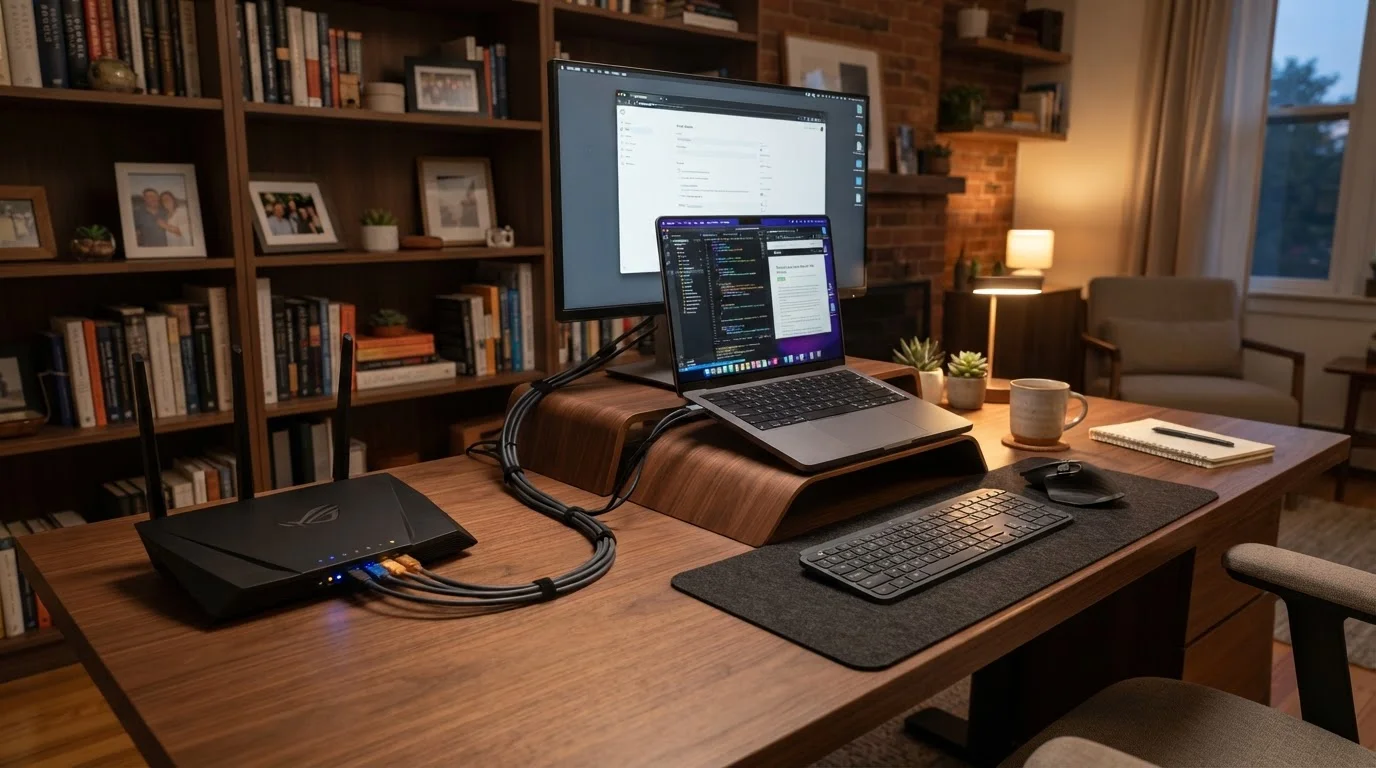
Photo: TheSearchHound.com | One Stop Answer To All Your Questions editorial
Key Takeaways
- Clearing the installation area and locating key equipment reduces technician delays on activation day.
- Knowing your current router's settings helps you restore or transfer preferences to new hardware.
- Testing wired and wireless speeds separately helps isolate performance issues quickly after go-live.
- Securing your new network with strong passwords and updated firmware should happen before connecting devices.
- Planning device reconnection in advance prevents the post-installation scramble of re-adding everything at once.
Why Preparation Matters Before Activation Day
Signing up for a new internet plan is the easy part. The hours after activation - when the technician leaves and you're staring at a blinking router - is where things can quietly go sideways. Passwords are misplaced, devices refuse to reconnect, and speeds don't match expectations because no one checked the hardware setup beforehand.
This checklist walks you through everything worth confirming before your new service goes live. Whether you're switching providers or upgrading your current plan, working through these steps ahead of time puts you in control from the moment your connection activates. If you're planning a full switch, see our guide on switching internet providers without disrupting your household for a broader transition strategy.
Before Installation Day
Equipment and Cabling
Security and Credentials
Post-Activation Verification
Tools and Equipment Worth Having on Hand
You don't need specialized gear to prep your network, but a few basic items make the process considerably smoother. Having these ready before the technician arrives - or before you power up new equipment yourself - helps you avoid unnecessary back-and-forth.
Ethernet cable (Cat6 or higher)
Used to run a wired speed test on activation day, giving you an accurate baseline reading unaffected by Wi-Fi signal variables.
Laptop or desktop computer
Needed to access your router's admin panel and run speed tests via a browser-based tool.
Password manager app
Stores your new Wi-Fi credentials and router admin login securely so they're never lost or written on an exposed sticky note.
Surge protector or UPS (Uninterruptible Power Supply)
Protects your router and modem from power surges and keeps them online briefly during short outages.
Wi-Fi analyzer app (smartphone)
Helps you identify channel congestion from neighboring networks so you can choose the least crowded channel for your router.
Once your network is running, slow performance is often traced back to factors that existed before the new plan launched. Our companion piece on things that quietly slow down your home Wi-Fi covers the overlooked culprits worth ruling out early.
After Go-Live: First-Hour Checks
Once your connection activates, resist the urge to immediately reconnect every device in the house. A brief, methodical first-hour review will surface any issues while they're easiest to resolve - before a dozen devices are competing for bandwidth and masking the real problem.
Don't Skip the Wired Speed Test First
Security should be an early priority on any new network. Update your router's admin password, enable WPA3 encryption if your hardware supports it, and install any available firmware updates before adding devices. For a more thorough review, our smart home security audit checklist covers router settings, device credentials, and network segmentation in detail.
If you're planning to connect smart home devices, consider setting up a dedicated guest or secondary network for them. This isolates those gadgets from your primary devices - a meaningful security benefit explained in our guide to setting up a guest network for smart home devices. And if this is the beginning of a broader connected home build, our first smart home setup guide outlines which devices to add first and in what order.
The content on this site is provided for informational purposes only and should not be considered a substitute for professional advice. While we strive to provide accurate and up-to-date information, we make no guarantees regarding its completeness or accuracy. Always consult a qualified professional for advice specific to your circumstances before making any decisions.