
Modem, Router, Gateway: What Each Device Does and Why It Matters

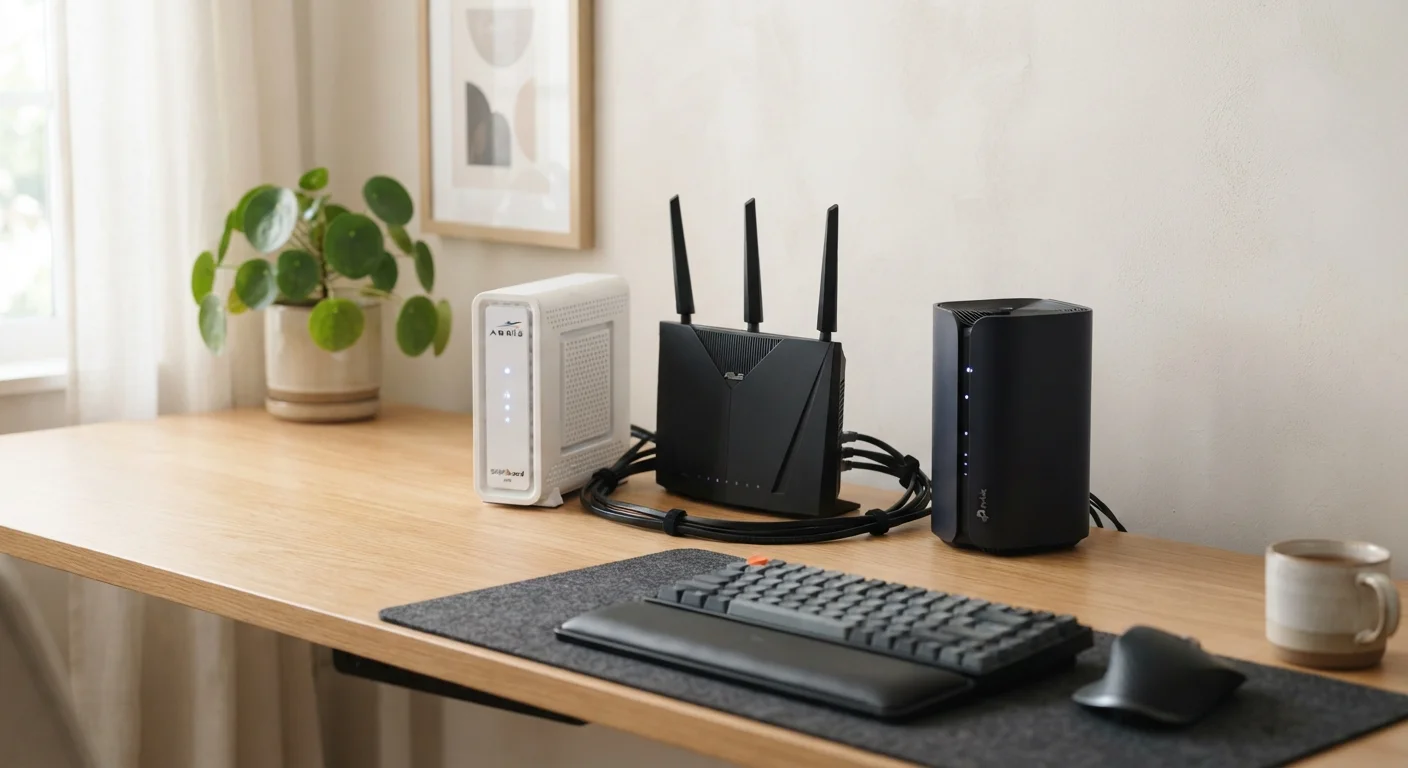
Photo: TheSearchHound.com | One Stop Answer To All Your Questions editorial
The Hardware Between You and the Internet
Most households have at least one box plugged into the wall that connects them to the internet - and many have two or three. The terms modem, router, and gateway get used interchangeably in casual conversation, but they describe distinct functions. Knowing the difference helps you troubleshoot outages, communicate with your internet service provider (ISP), and make informed decisions about the equipment you use.
To understand why these devices exist, it helps to think about the journey your data takes. Your ISP delivers a signal to your home - whether through a coaxial cable, fiber-optic line, or phone line. That signal is not immediately usable by your laptop or phone. It needs to be translated, distributed, and managed. That's where these three devices come in.
For a deeper look at how different connection technologies affect what arrives at your door, see how fiber, cable, DSL, and fixed wireless differ.
What a Modem Does
A modem - short for modulator-demodulator - is the device that connects your home to your ISP's network. It translates the signal coming in from outside (whether that's a cable TV line, a phone line, or a fiber connection) into a digital format that your home network devices can use.
The modem is assigned a public IP address by your ISP - essentially the address the wider internet uses to identify your home's connection. Without a modem, or a device performing the same function, no data can flow between the internet and your home.
Different ISP technologies require different types of modems. Cable internet uses a DOCSIS modem; DSL uses a DSL modem; fiber connections typically use a device called an ONT (Optical Network Terminal), which performs a similar translation role. Not all modems are interchangeable - the type must match your service.
What a Router Does
A router manages traffic within your home network. Once the modem brings data into the home, the router distributes it - directing signals to the right device, whether that's a phone, a laptop, a smart TV, or a smart speaker.
Routers also assign private IP addresses to each device on your local network through a process called DHCP, and they act as a basic firewall, shielding your devices from unsolicited traffic from the internet.
Modem
A device that translates signals from your ISP's network into a format usable by your home devices. The word is short for modulator-demodulator.
Router
A device that manages traffic within your home network, directing data to the correct device and broadcasting Wi-Fi. It assigns private IP addresses through DHCP.
Gateway
A single device that combines the functions of a modem and a router. Commonly supplied by ISPs as rental equipment.
DOCSIS
Data Over Cable Service Interface Specification - the standard that governs how cable modems communicate with a cable ISP's network. The version number (e.g., DOCSIS 3.1) affects maximum speed capability.
ONT (Optical Network Terminal)
A device used with fiber internet connections that converts optical light signals from the fiber line into electrical signals usable by a router or gateway.
Bridge Mode
A setting on a gateway that disables its routing functions, allowing a separate router to manage the home network without conflicts from double NAT.
Most modern routers also broadcast a Wi-Fi signal, though some homes use a separate wireless access point for that purpose. If your home has dead zones or spotty coverage, that's typically a router or placement issue - not a modem problem. For larger homes, you might consider whether a traditional router meets your needs or whether a whole-home system makes more sense. See our comparison of whole-home Wi-Fi systems versus traditional routers for a detailed breakdown.
What a Gateway Is - and When You Have One
A gateway is simply a single device that combines the functions of both a modem and a router. ISPs frequently supply gateways as their standard-issue rental equipment because it simplifies installation - one box handles everything from translating the ISP signal to distributing Wi-Fi throughout the home.
Gateways are convenient, but they come with trade-offs. Because they combine two roles in one unit, replacing or upgrading either function means replacing the whole device. They also tend to offer fewer advanced settings than a dedicated router would. If you're renting equipment from your ISP, you almost certainly have a gateway. To understand the financial and practical implications of that arrangement, see renting versus owning your home modem and router.
Some households use a gateway in bridge mode - a setting that disables the gateway's routing functions so a separate, more capable router can take over that role. This avoids double NAT issues that can affect online gaming, video calls, and connected home devices. Your ISP or router manufacturer's documentation can walk you through whether bridge mode applies to your setup.
Connected home devices depend on a well-configured router or gateway to function reliably. For help with the terminology you'll encounter as you add smart devices, see our plain-language smart home terminology reference.
The content on this site is provided for informational purposes only and should not be considered a substitute for professional advice. While we strive to provide accurate and up-to-date information, we make no guarantees regarding its completeness or accuracy. Always consult a qualified professional for advice specific to your circumstances before making any decisions.