
Smart Home Terminology: A Plain-Language Reference for Everyday Readers

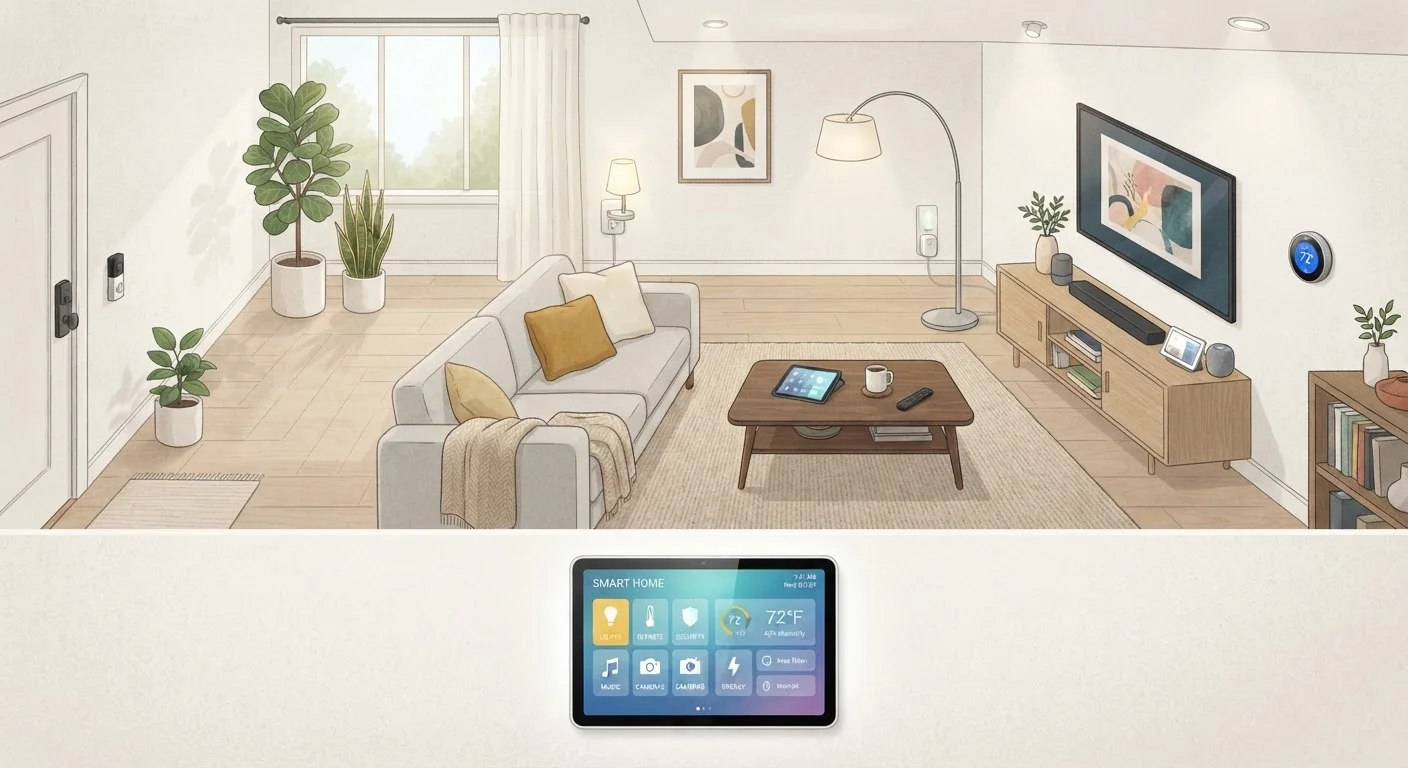
Photo: TheSearchHound.com | One Stop Answer To All Your Questions editorial
Why Smart Home Jargon Feels So Overwhelming
Smart home technology has exploded in reach and complexity over the past decade. Manufacturers, retailers, and tech journalists all use a rotating cast of acronyms and buzzwords - hub, mesh, Matter, routine, scene - that assume readers already speak the language. Most people don't, and that's a reasonable starting point.
This reference is designed as a lookup tool. You don't need to read it front to back. When you encounter a term while shopping, setting up a device, or reading instructions, find it here for a plain-English explanation. For a deeper dive into how these devices communicate with each other, see our Smart Home Ecosystems Explained.
Hub
A central device that connects and coordinates smart home gadgets, especially those using Zigbee or Z-Wave protocols. The hub acts as a translator between these devices and your home's Wi-Fi network, enabling control through an app or voice assistant.
Ecosystem
A collection of smart home devices and software tied to a single platform or brand. Devices within the same ecosystem are designed to work together seamlessly, while cross-ecosystem compatibility varies depending on the protocols supported.
Voice Assistant
A software-based assistant - such as those built into smart speakers - that responds to spoken commands. Voice assistants can control compatible smart devices, set reminders, answer questions, and trigger automations.
Smart Speaker
A wireless speaker with a built-in voice assistant and, in many cases, a smart home hub. Smart speakers act as a control point for other devices in your home network.
Bridge
A small device that translates communication between smart home products using different wireless protocols and your router. Bridges are narrower in function than hubs and typically support a single product line.
Latency
The delay between sending a command and seeing the device respond. High latency makes a smart home feel sluggish. Local processing (on-device or hub-based) generally produces lower latency than cloud-dependent processing.
Local vs. Cloud Processing
Local processing means your devices respond to commands without an internet connection, using a hub or on-device logic. Cloud processing routes commands through a manufacturer's remote servers, which requires internet and adds latency but may enable more complex features.
Interoperability
The ability of devices from different manufacturers or ecosystems to work together. Standards like Matter are specifically designed to improve interoperability across the smart home industry.
Core Concepts at a Glance
Before working through individual definitions, it helps to understand the basic architecture of a smart home. Most setups involve three layers: devices (the physical hardware), a network (how devices connect and communicate), and a platform or ecosystem (the software that lets you control everything). Knowing which layer a term belongs to makes definitions easier to absorb.
| Most common connection type | Wi-Fi (2.4 GHz band for most smart devices) |
| Protocols designed for smart home use | Zigbee, Z-Wave, Thread, Matter |
| What a hub does | Bridges non-Wi-Fi devices to your home network |
| Key interoperability standard | Matter (supported by major platform providers) (Connectivity Standards Alliance) |
| Automation trigger types | Time, sensor state, device event, geofence |
| Voice assistant integration | Available across most major smart home platforms |
If you're just getting started and want to know which devices to add first, our beginner's setup guide walks through a practical order of operations. Readers interested in keeping costs reasonable without sacrificing flexibility may also find value in our budget-conscious smart home guide useful.
Networking Terms You'll Encounter
Much of the confusion around smart home tech stems from networking terminology that bleeds in from the broader world of home internet hardware. Understanding how your devices connect is essential before expanding a setup.
- Wi-Fi: The most common wireless standard in homes. Many smart devices connect directly to your home's Wi-Fi network, which means they share bandwidth with phones, laptops, and streaming devices.
- Mesh Network: A system of multiple router nodes placed around a home to eliminate dead zones. Unlike a single router, a mesh network creates one seamless Wi-Fi signal. Smart devices at the edges of a home benefit significantly from mesh coverage.
- Zigbee / Z-Wave: Two competing low-power wireless protocols designed specifically for smart home devices. They use less bandwidth than Wi-Fi and can handle many devices at once, but typically require a hub to connect to the internet.
- Matter: A newer interoperability standard backed by major technology companies. Devices that support Matter are designed to work across different ecosystems without compatibility workarounds.
- Thread: A low-power mesh networking protocol that works alongside Matter. Thread-enabled devices can communicate directly with each other, reducing reliance on a central hub.
For a fuller explanation of how your home's internet hardware - modem, router, and gateway - supports all of this, see our modem and router explainer.
Automation, Scenes, and Routines
These three terms are closely related but serve distinct purposes inside a smart home platform.
- Automation
- A rule that triggers a device action automatically based on a condition - time of day, a sensor reading, or a device state. Example: turn on the porch light when motion is detected after sunset.
- Scene
- A saved configuration of multiple device settings that you activate manually with a single tap or voice command. Example: a "Movie Night" scene that dims the lights, lowers blinds, and sets the thermostat.
- Routine
- A sequence of actions that runs automatically at a scheduled time or trigger. Routines often combine automations and scenes. Some platforms use "routine" and "automation" interchangeably, so check your app's documentation.
Note: Terminology varies across platforms. What one manufacturer calls a "routine" another may label an "automation" or "shortcut." The underlying concept - a pre-set sequence triggered by a condition - is consistent.
The content on this site is provided for informational purposes only and should not be considered a substitute for professional advice. While we strive to provide accurate and up-to-date information, we make no guarantees regarding its completeness or accuracy. Always consult a qualified professional for advice specific to your circumstances before making any decisions.